Your wardrobe. A fresh perspective.

New outfits. From clothes already yours.

That shirt you love. Those jeans you always wear. Lumora, your AI stylist, finds new ways to put your clothes together — for your day, your plans, your weather.

QR code linking to Lumora on Google Play

For Android. Start for free.

Or scan the code to install.
A look for today01 / 03
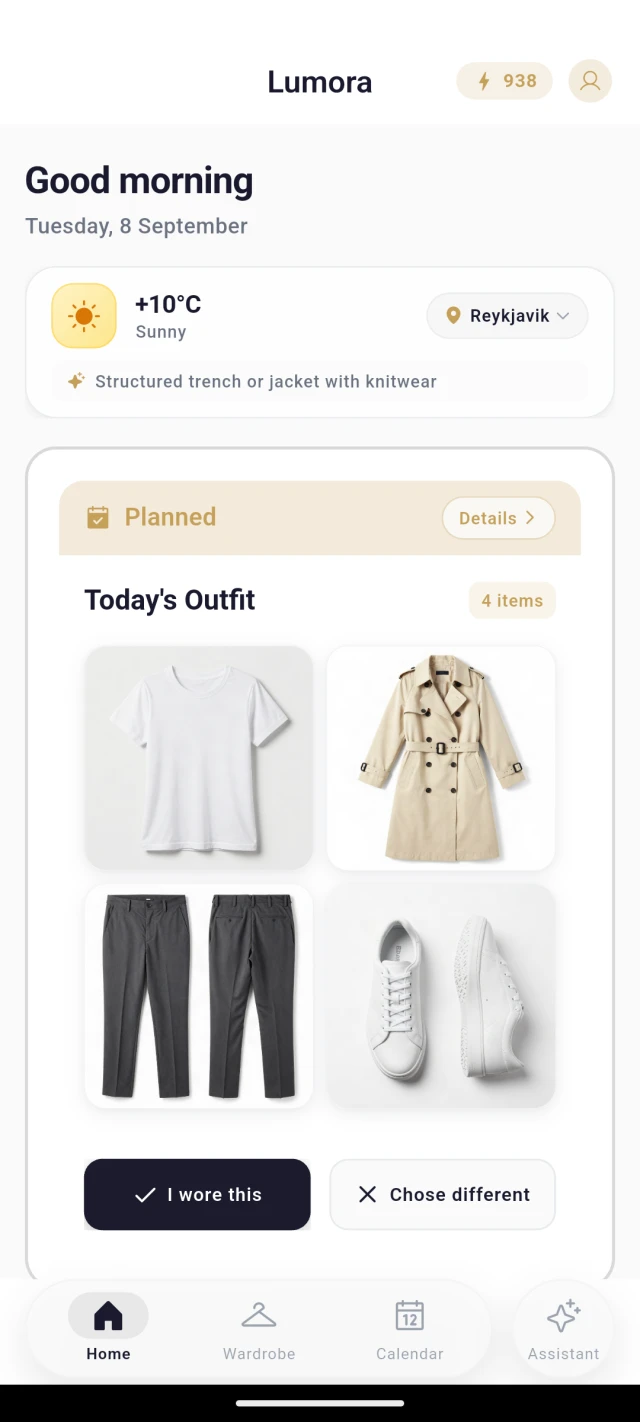
Lumora's daily outfit: a white T-shirt, trench coat, charcoal trousers, and white trainers for a sunny day.
Real clothes. A new combination.App screen · tap to explore
Good style starts with what you have.Take a look

01 — From your wardrobe to your day

Your clothes.
More possibilities.

You don't need a new wardrobe to find a new look. Start with a few things you wear, and let Lumora help with the combinations.

  1. 01A place for your clothes

    Bring your wardrobe in.

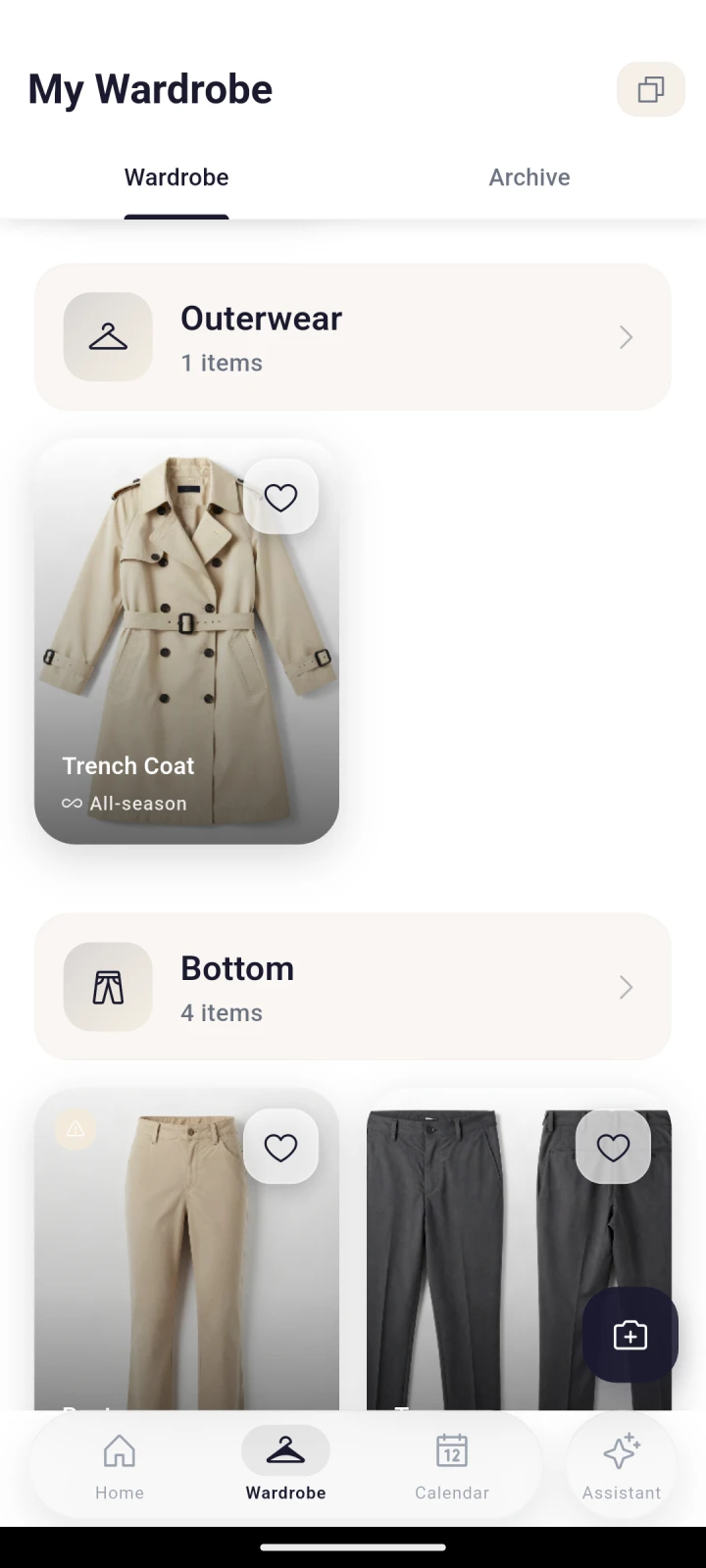
    Take photos of your clothes. Lumora recognizes the items and helps organize them in one place.

  2. 02Something to wear today

    Find a new combination.

    Get outfit ideas from your own pieces, with the weather and occasion in mind. Keep the ones that feel like you.

  3. 03A different way to see it

    Picture it. Make it yours.

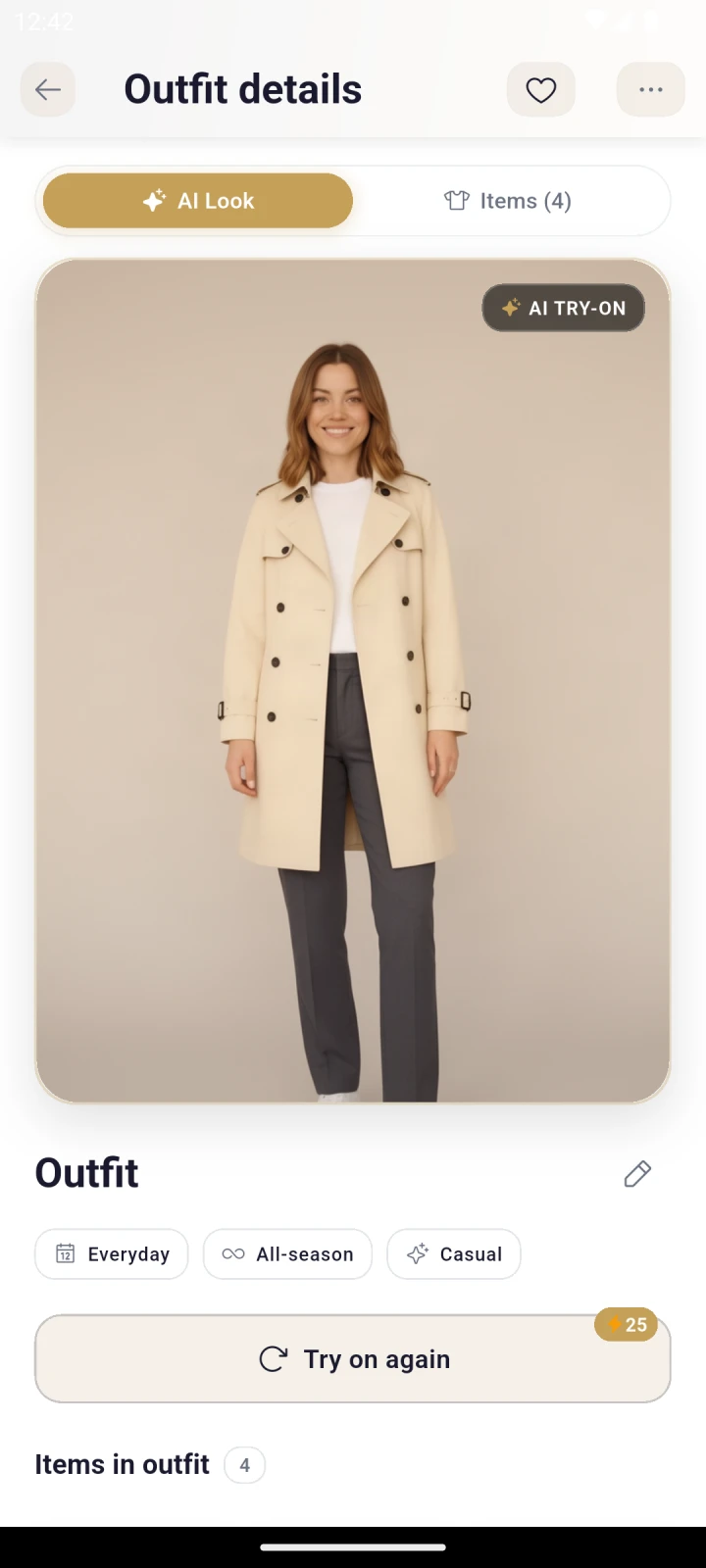
    Preview an outfit on your photo and save it for later. Virtual try-on is an AI visualization, not a guarantee of fit.

02 — A little help, every day

Room for your own style.

A second opinion when you need one. A plan when you want one. The final choice is always yours.

/ 01

Your AI stylist

“What goes with
this jacket?”

Ask about a piece you rarely wear, an upcoming dinner, or a rainy workday. Get suggestions that start with what's in your wardrobe.

Less searching. More putting things together.
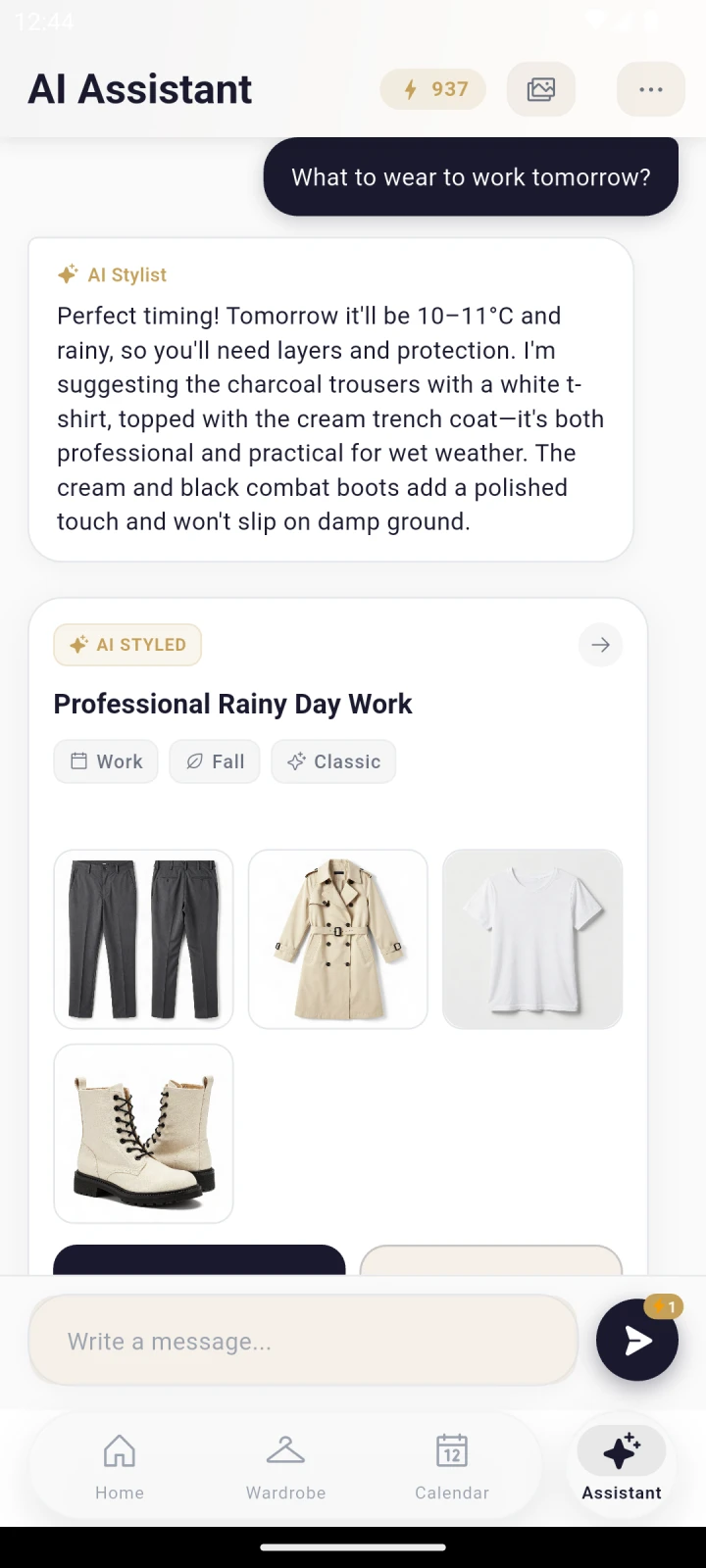
A conversation with Lumora's AI stylist about an outfit.
/ 02

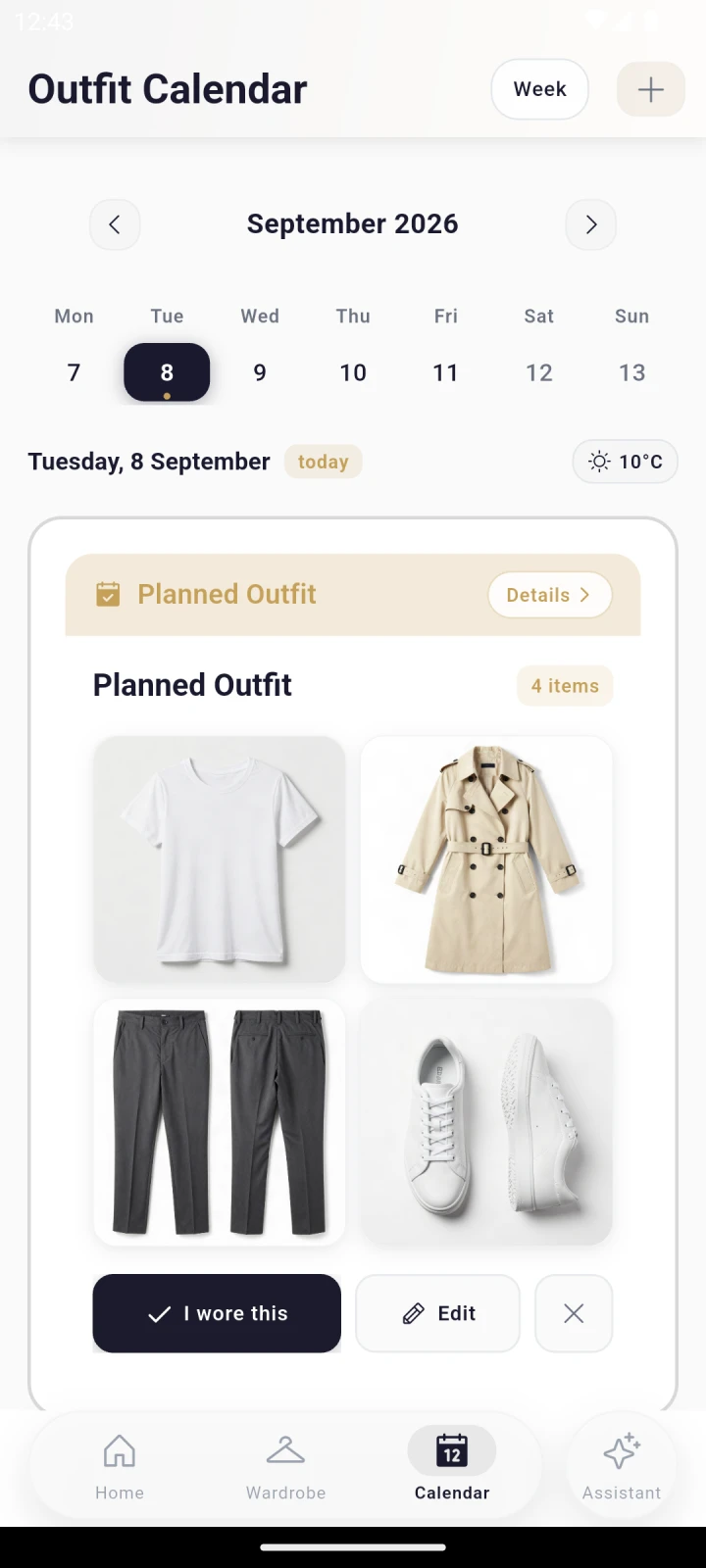
Your outfit calendar

Tomorrow,
already considered.

Save an outfit for Monday's meeting or Saturday's plans. Keep your ideas in a calendar, ready when you need them.

A little planning. One less morning decision.
Lumora's calendar with outfits planned for specific days.

Start with a few favorite pieces

A fresh look starts for free.

Space for 50 items and 50 starter credits. Explore your wardrobe at your own pace. Paid plans and extra credits are available in the app, with current prices and terms shown before purchase.

Try Lumora

03 — Before you begin

A few things
you might wonder.

Something else on your mind?
support@lumenstyle.net

Does Lumora use my own clothes?

Yes. Add photos of your clothes to your digital wardrobe. Lumora uses these items to suggest outfit combinations for the weather and occasion.

Can I start for free?

Yes. The free plan includes space for up to 50 wardrobe items and 50 starter credits. AI actions use credits at different rates. Optional subscriptions and credit packs are available; see current prices and terms in the app.

What does virtual try-on show?

It creates an AI visualization of an outfit on your photo. It helps you explore a combination, but cannot guarantee the actual size, fabric behavior, or fit.

How are outfit ideas chosen?

Lumora combines items from your wardrobe using the weather, occasion, and preferences you provide. You decide what to wear and which outfits to save.

Which phones can I use?

You can download Lumora for Android from Google Play. This page currently links to the Android app.


Same wardrobe. New perspective.

Meet your next
favorite outfit.

It might already be in your wardrobe.

Download onGoogle Play
QR code linking to Lumora on Google Play

Scan. Install. Find your look.

For Android. Start for free.
Inside Lumora